How a Few Subtle Edits Can Make a Tired Face Look Fresher?
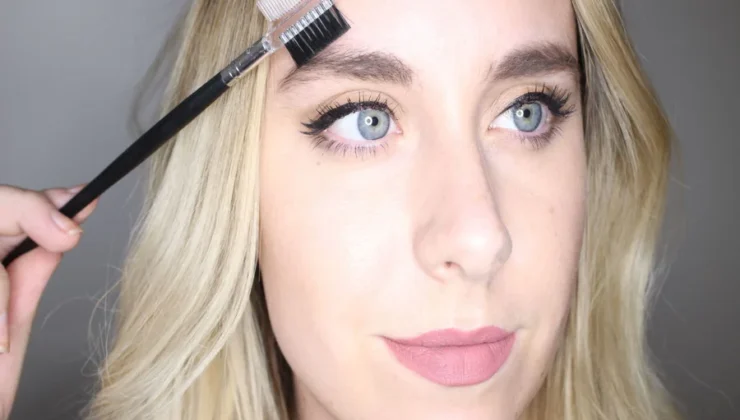
A tired-looking face in a photo does not always mean you looked exhausted in real life. Harsh light, deep shadows, a tense expression, or a slightly dull skin tone can make fatigue appear stronger on camera. The most natural solution is usually not a full makeover, but a few small corrections that bring the portrait closer to how you actually looked.
If the main issue is that fine lines or shadows seem more noticeable than expected, the wrinkle-removing tools available at https://retouchme.com/service/wrinkle-remover-app can help soften those details while keeping the face recognizable. The key is to refine the areas that make the portrait look tired without smoothing away natural texture or expression.
Start With the Eyes
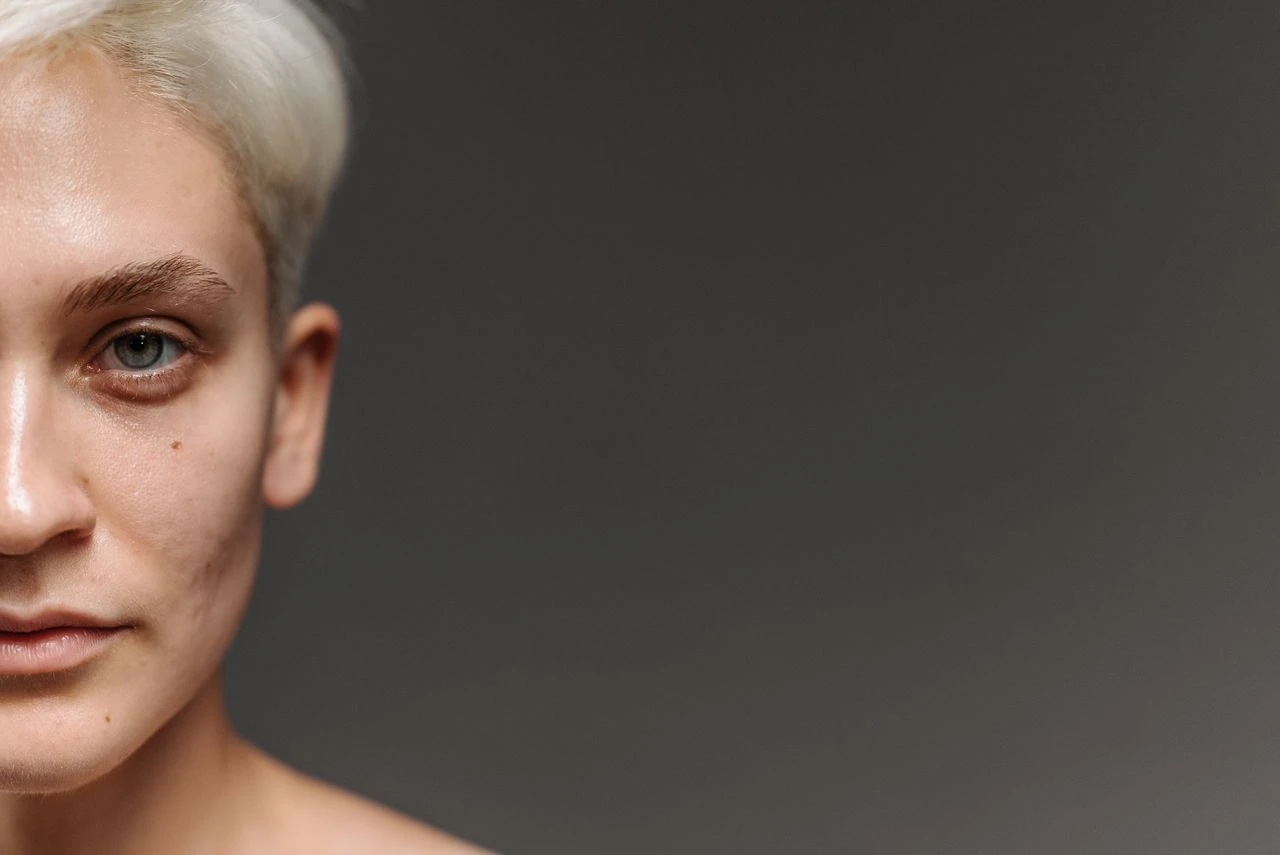
The eye area often carries the strongest signs of fatigue in a photo. Dark shadows, redness, or harsh contrast can make the whole face look less rested. Before editing, check whether the problem comes from lighting. Overhead light can create deeper shadows under the eyes even when they are barely visible in person.
For a fresher result:
-
brighten under-eye shadows only slightly;
-
avoid making the whites of the eyes unnaturally bright;
-
keep natural creases around the eyes;
-
reduce redness selectively instead of changing the entire skin tone;
-
compare the edited version with the original after each change.
Small adjustments usually look more believable than a strong brightening effect.
Bring Back Light Without Flattening the Face
A dull complexion can often be improved by balancing exposure and color rather than smoothing the skin. Slightly lifting shadows or correcting a gray cast can make the face look more awake while preserving pores and natural variation.
Be careful with global brightness. If you raise it too much, highlights on the forehead, nose, and cheeks can lose detail. Local corrections are often more useful because they target the area that needs help without washing out the rest of the portrait.
Relax the Expression Before You Retouch
Editing works better when the original frame is strong. Before taking the photo, relax your jaw, unclench your forehead, and look slightly away from a harsh light source. A forced smile or squint can create lines and tension that are difficult to fix naturally later.
Take several shots instead of relying on one. Tiny changes in expression often make a bigger difference than heavy retouching.
Keep Skin Texture and Character
The easiest way to make a tired face look artificial is to remove every line and pore. Natural skin has texture, and expression lines help the face stay alive. Soften only the details that look exaggerated by the camera.
After editing, zoom back out and view the portrait at normal size. If the face looks rested but still familiar, the balance is right.
A fresher portrait usually comes from a combination of better light, a relaxed expression, and restrained editing. Correct what the camera exaggerated, keep the features that make the face personal, and let small improvements do the work.