Wedibox vs Kululu: Which Wedding Photo App Is Better?

A practical comparison of guest uploads, live slideshows, galleries, privacy, pricing, and wedding extras
Collect every guest photo in one VowSnaps gallery
| Quick verdict: Wedibox is the better fit for couples who want guest photo collection bundled with wedding-specific tools such as a wedding website, audio guestbook, RSVP management, and seating features. Kululu is the stronger choice for a lively real-time photo wall, straightforward event albums, decorated text posts, and flexible use beyond weddings. Both let guests participate by QR code or link without downloading an app. |
Wedibox vs Kululu at a Glance
| Decision point | Wedibox | Kululu |
|---|---|---|
| Guest access | QR code or link; no app or guest account | QR code or album link; no app or registration |
| Free plan | Up to 50 guest uploads | Up to 50 photo or video uploads; saved for 7 days |
| Paid pricing | $29 Embed, $49 Wedding, $79 All-In-One; one-time | $39 Plus and $99 Pro shown during a limited promotion; one-time |
| Paid upload capacity | Unlimited uploads on Wedding and All-In-One | 500 uploads on Plus; unlimited uploads on Pro |
| Active upload period | 3 months on Embed, 6 months on Wedding, 1 year on All-In-One | 1 month on Plus; 3 months on Pro |
| Storage or access | Storage varies by plan, including 1 year on Wedding and 2 years on All-In-One | Uploads saved 3 months on Plus and 1 year on Pro |
| Best extra | Wedding website, voice guestbook, RSVP and seating options | Live photo wall, captions, text posts, and event customization |
| Best for | Couples wanting one wedding-planning and memory hub | Hosts prioritizing an interactive slideshow and simple event album |
Prices and limited-time promotions can change. Confirm current terms before purchasing.
Why This Comparison Matters
Guest-photo platforms solve a surprisingly difficult wedding problem. Friends and relatives capture hundreds of candid images, but those files become scattered across messages, social feeds, and individual camera rolls. A shared QR-code gallery gives everyone one destination while the event is still fresh.
Wedibox and Kululu both remove app downloads and guest accounts from the process. The meaningful differences are what surrounds that upload button: Wedibox builds toward a fuller wedding hub, while Kululu builds toward an interactive event album and live display.
Wedibox Review
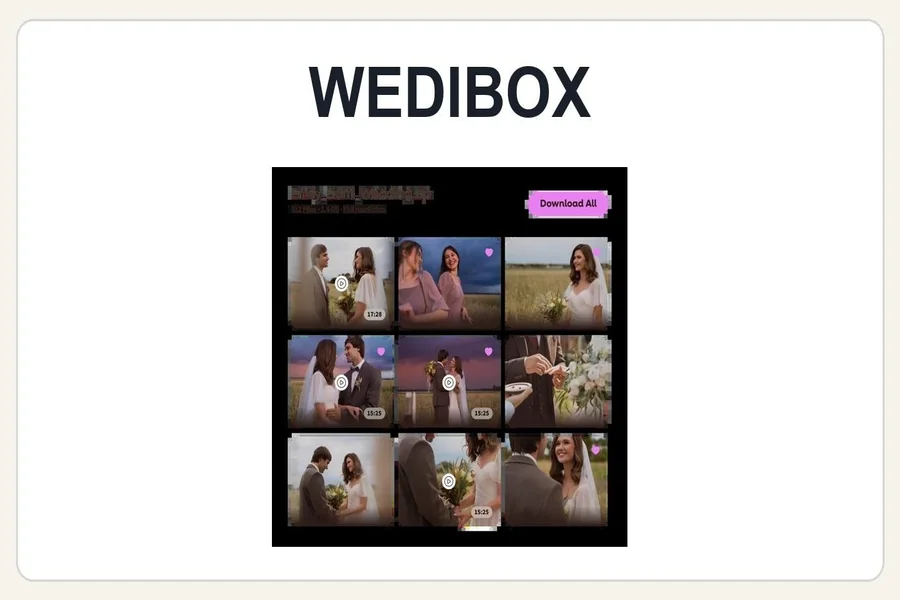
Wedibox is designed specifically around the wedding journey. Couples create a page, download a QR code, and let guests upload photos, videos, and messages from a browser. Paid wedding plans add unlimited uploads, unlimited albums, a live slideshow, guestbook features, and original-quality downloads.
The platform’s strongest argument is consolidation. The Wedding plan combines memory collection with a basic wedding website and audio guestbook. The All-In-One plan adds RSVPs, meals, plus-ones, seating management, registry links, and fuller website sections. A couple starting without another planning platform can keep more guest interactions behind the same code.
Wedibox Strengths
- A free plan provides a practical 50-upload test before the wedding.
- Wedding and All-In-One plans include unlimited guest uploads and albums.
- Audio messages, digital guestbook entries, and the live slideshow broaden the keepsake beyond photos.
- One-time wedding pricing is relatively low for the number of included planning features.
- The Embed plan can add photo sharing to a wedding website the couple already uses.
Wedibox Limitations
The lower tiers have shorter upload windows, and the most complete planning features sit in All-In-One. Couples who already have a wedding website, RSVP system, and seating tool may not need the broader package. In that case, they should compare Wedibox on its gallery experience alone rather than paying for duplicated functions.
Kululu Review
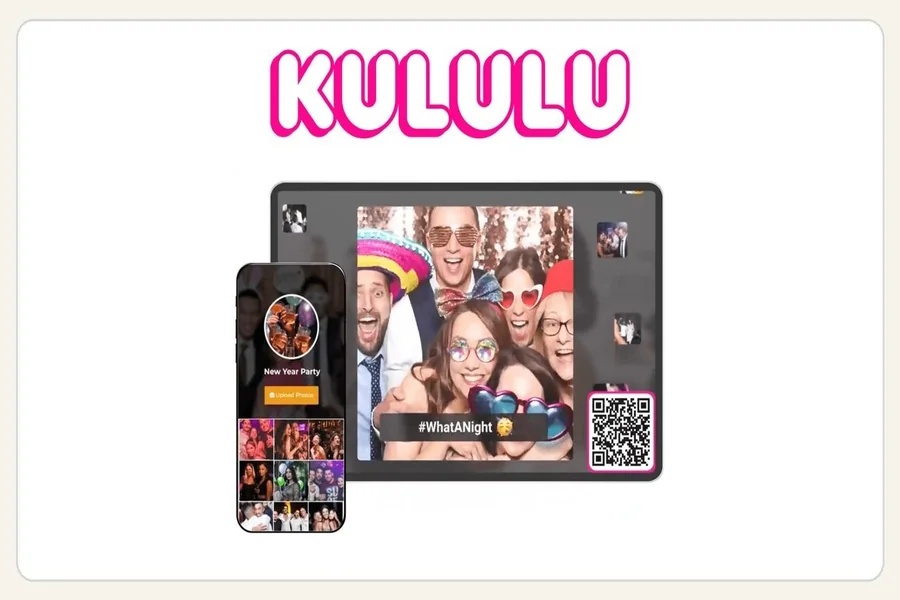
Kululu is an event photo-sharing platform that works for weddings, parties, conferences, and company events. Guests enter through a QR code or album link and can contribute photos, videos, captions, and decorated text posts. New uploads can appear immediately on a live Photo Wall displayed on a TV or projector.
That live participation is Kululu’s clearest advantage. The platform makes photo collection feel like part of the reception rather than an administrative task after it. Guests see their uploads appear on screen, which can encourage more people to scan the code and contribute.
Kululu Strengths
- The live Photo Wall updates in real time and can become an interactive reception feature.
- Guests can contribute photos, videos, captions, and text messages without registering.
- Every plan supports unlimited participants, while upload capacity changes by tier.
- Plus covers many smaller weddings with up to 500 uploads; Pro removes the upload cap.
- Customization and moderation become more capable as couples move to the Pro plan.
Kululu Limitations
Kululu’s paid plans separate active upload time from how long files are saved, so couples need to read both limits. Plus allows uploads for one month and saves uploads for three months, while Pro remains active for three months and saves uploads for one year. The platform also offers fewer wedding-planning functions than Wedibox; its emphasis is the event gallery and live wall.
Guest Experience and Setup
Both platforms are easy to explain on a table card: scan the code and upload. That matters because every extra step reduces participation. Couples should still test the process on both iPhone and Android devices, especially video uploads on venue Wi-Fi. The winning service is the one grandparents, friends, and the wedding party can use without asking the couple for help.
Placement matters as much as software. Put the code near the bar, on dining tables, beside the guestbook, and near the screen showing the slideshow. Send the same link in a message the morning after the wedding so guests can add images they forgot to upload during the reception.
Live Slideshow Comparison
Both platforms support a live display, but Kululu makes the Photo Wall a central part of its identity. It is especially appealing when the venue has a projector or large television and the couple wants guests to watch the gallery grow. Captions and text posts can make the wall feel closer to a social feed.
Wedibox also provides a live slideshow on its Wedding and All-In-One plans, but it sits within a wider collection of wedding features. Choose Kululu when the screen experience is the priority. Choose Wedibox when the slideshow is one component of a broader wedding page and guestbook system.
Privacy, Moderation, and Downloads
Both companies describe their galleries as private and accessible to people who receive the code or link. That is convenient, but couples should remember that links can be forwarded. Review visibility settings, moderation, guest browsing, and download permissions before printing the QR code.
Kululu says hosts can manually remove uploads and offers moderation tools on Pro. Wedibox offers content moderation and password controls. Both support downloading collected files on applicable paid plans. Complete a test ZIP download early so there is no surprise near the end of the storage period.
Pricing: Which Is the Better Value?
Wedibox offers more wedding-specific functionality for the money. Its $49 Wedding plan includes unlimited uploads, albums, a wedding website, voice messages, a slideshow, and downloads. The $79 All-In-One tier adds planning tools. That makes it attractive for couples replacing several smaller services.
Kululu’s Plus plan is attractive for a smaller event when 500 uploads and a one-month active period are enough. Pro is more expensive but offers unlimited uploads, advanced customization, moderation, and a longer active period. It can be worth the difference when the photo wall is a major reception feature or the expected upload volume is high.
Which One Should You Choose?
Choose Wedibox if…
- You want photo sharing, guestbooks, a wedding website, and planning tools together.
- Unlimited uploads at a lower paid price matter more than extensive slideshow customization.
- You want audio messages or need RSVP and seating features.
- Your event is specifically a wedding rather than a general party or corporate gathering.
Choose Kululu if…
- The live Photo Wall will be a visible, interactive part of the reception.
- You want guests to add captions and decorated text posts alongside media.
- You prefer an event-focused tool that can also be reused conceptually for non-wedding occasions.
- A 500-upload Plus plan fits the event, or you need the Pro tier’s unlimited capacity and moderation.
Final Verdict
Wedibox wins for couples seeking the most complete wedding-specific package at a modest one-time price. Kululu wins for hosts who care most about an energetic live photo wall and a flexible event gallery. Both are capable guest-photo collectors, so the decision should come down to whether the wedding hub or the live audience experience matters more.
Frequently Asked Questions
Do Wedibox or Kululu require guests to download an app?
No. Guests can use a QR code or link and contribute through a web browser on either platform.
Can guests upload videos?
Yes. Both platforms support video uploads on the applicable plans. Couples should review current file and fair-use limits before the event.
Can either service replace a wedding photographer?
No. These services complement professional photography by collecting informal guest perspectives, candid clips, and moments outside the photographer’s formal coverage.