How to Bring Old Home Videos Back to Life with AI in 2026

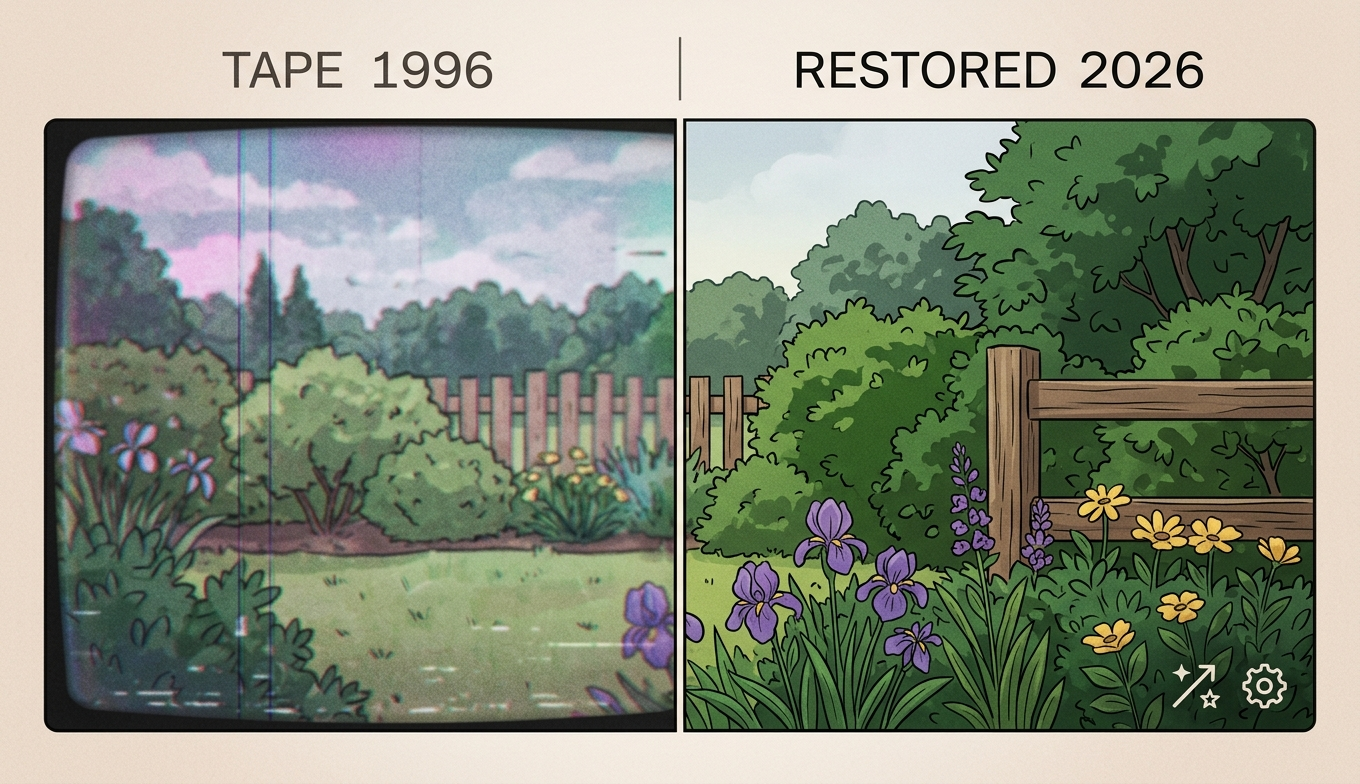
A 2024 Pew survey found that more than half of American adults still keep boxes of older family videos on physical tape or aging DVDs, but only 22% have meaningfully digitized them. The math is not flattering: VHS tapes start to degrade after about 20 years, and most are now well past that window. The good news is that 2026 is the first year in which a non-technical family member can rescue and visibly improve those memories on a regular laptop, in an afternoon, without a subscription cost they will regret. Here is how the workflow actually goes. The decision is rarely whether to digitise; it is whether to do it before another summer in a hot loft narrows the window further.
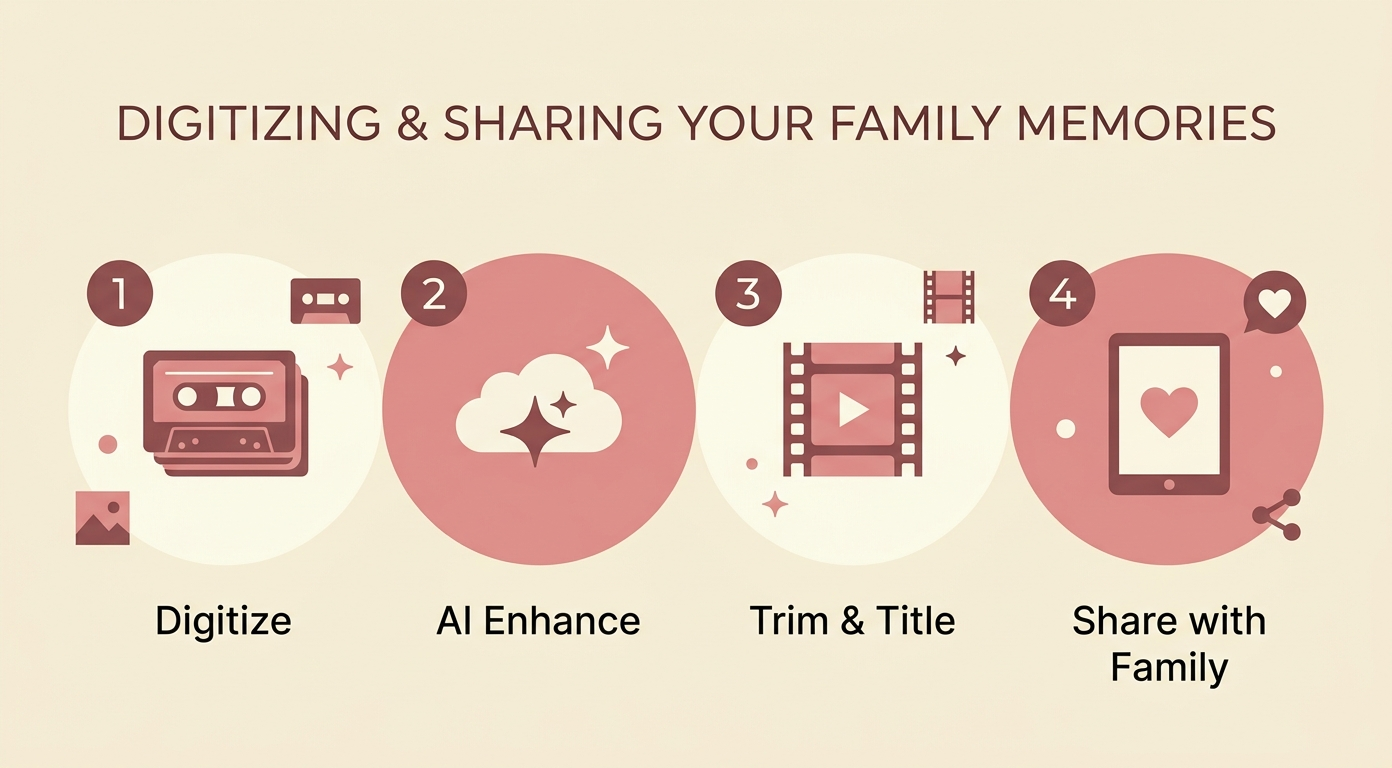
The Library of Congress estimates the lifespan of a typical magnetic tape at 15 to 30 years under fair storage conditions, and most home archives are not fair storage — closets get hot, basements get damp. Once a tape sheds its oxide layer the footage is gone. Digitizing only protects what is on the tape today; it does not improve the quality. The second step, AI enhancement, is what closes the gap between watchable and worth-sharing. Both steps used to be priced for professionals. Neither is anymore.
What to look for in a family-friendly enhancer
The criteria are not the same as for a working video editor. For family footage you want four things.
- No installation friction. Older relatives will not learn a desktop NLE.
- Real free testing. You should be able to run a clip end to end before paying a cent.
- Handles old codecs. Captures from VHS, MiniDV, and DVD rip MP4s should all import without conversion gymnastics.
- Predictable output quality. Family footage should look like itself, not like a stylized AI version of itself.
Tools that obsess over speed benchmarks or anime modes are usually not the right pick here.
Four enhancers compared on real home footage
We ran a 1995 family wedding tape, a 2003 birthday party MiniDV, and a 2010 DVD rip through each tool. Hardware: a 2023 mid-range Windows laptop and a Chrome browser for cloud tools.
UniFab AI Video Enhancer Online
AI Video Enhancer Online is the easiest of the four for a non-technical user. It runs in any modern browser, requires no signup beyond email, and applies cloud-based 2x upscaling, noise reduction, and texture recovery without touching the laptop’s CPU. Free FabCloud credits are enough to test all three of our reference clips. The 2x ceiling means a 240p source will not become 4K, but a typical 480p VHS rip ends up at a clean 960p, which is exactly the resolution most family members will actually view on a phone.
Topaz Video AI (desktop)
Topaz gives the strongest output on heavily degraded tape transfers but requires a desktop install, a one-time fee around $299, and a recent NVIDIA card to run in reasonable time. Best reserved for a few precious tapes rather than a whole closet.
HitPaw VikPea (desktop)
HitPaw VikPea is friendlier than Topaz, with a face-restoration mode that can help on close-up interview frames. The free tier watermarks output, which is the wrong direction for family memories.
Tensorpix (browser)
Tensorpix is a sensible browser-based alternative for clean modern home video but tends to smear heavily worn tape sources compared with the cloud upscale options.
A weekend that turns a closet into a shared archive
One family we spoke with digitized 14 VHS tapes on a Saturday using a 40capturestickandaborrowedVCR,thenranthecapturesthroughabrowser−basedenhancerovernightwhilethelaptopsatidle.Sundaytheycutthreeshortmontages—oneperdecade—andsharedthelotinaprivatelinktorelativesacrosstwocontinents.Twogreat−auntssawmovingfootageofthemselvesfrom30yearsago.Totalcostin2026dollars:about52, almost all of it on the capture stick.
FAQ
Will AI enhancement change my family members’ faces?
Reputable tools preserve facial structure on the default settings. Aggressive face-enhancement modes can drift; keep them off for archival projects.
Can I upscale a DVD to 4K?
You can technically push the resolution, but the gains plateau quickly. 1080p is usually the honest ceiling for a DVD source.
Do I need to digitize first or can AI work on the tape directly?
Digitize first. AI tools work on video files, not on magnetic tape.
What if my footage has dropouts and tracking errors?
Light dropouts can be reduced by enhancement; severe damage may need a professional tape-restoration service. AI is not a tape repair tool.
What should I do with the original tapes after digitizing?
Keep them in a cool, dry place even if the digital copies look great. Tapes occasionally remain the cleanest reference for future re-scans with better hardware.
Final thoughts
Most family footage is too important to leave on a tape and not yet important enough to spend a thousand dollars restoring. The 2026 sweet spot — a capture stick, a free or low-cost enhancer, and a quiet afternoon — finally lines up with how families actually treat these memories. The hardest part is starting; the workflow itself is the easy part now.